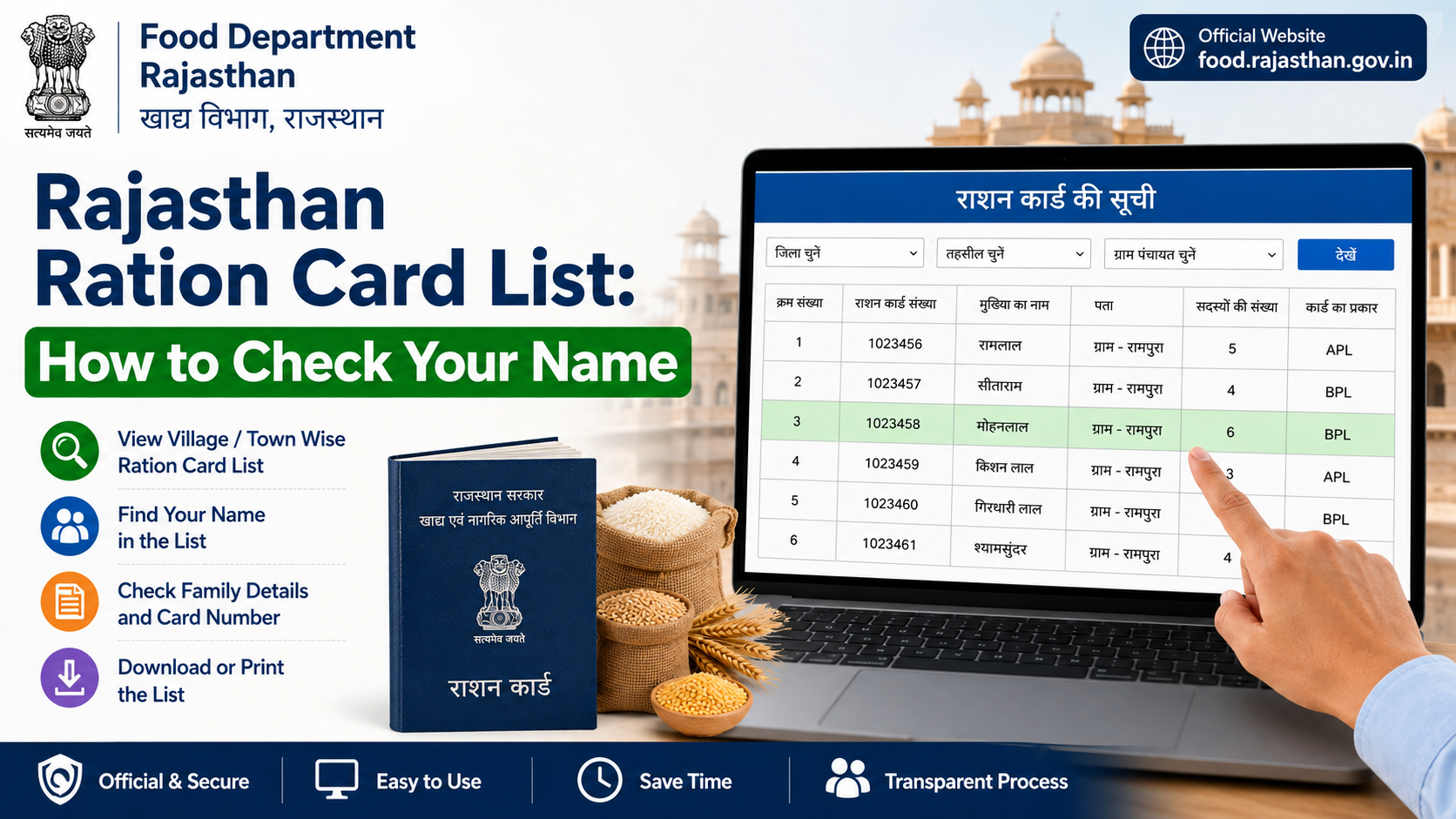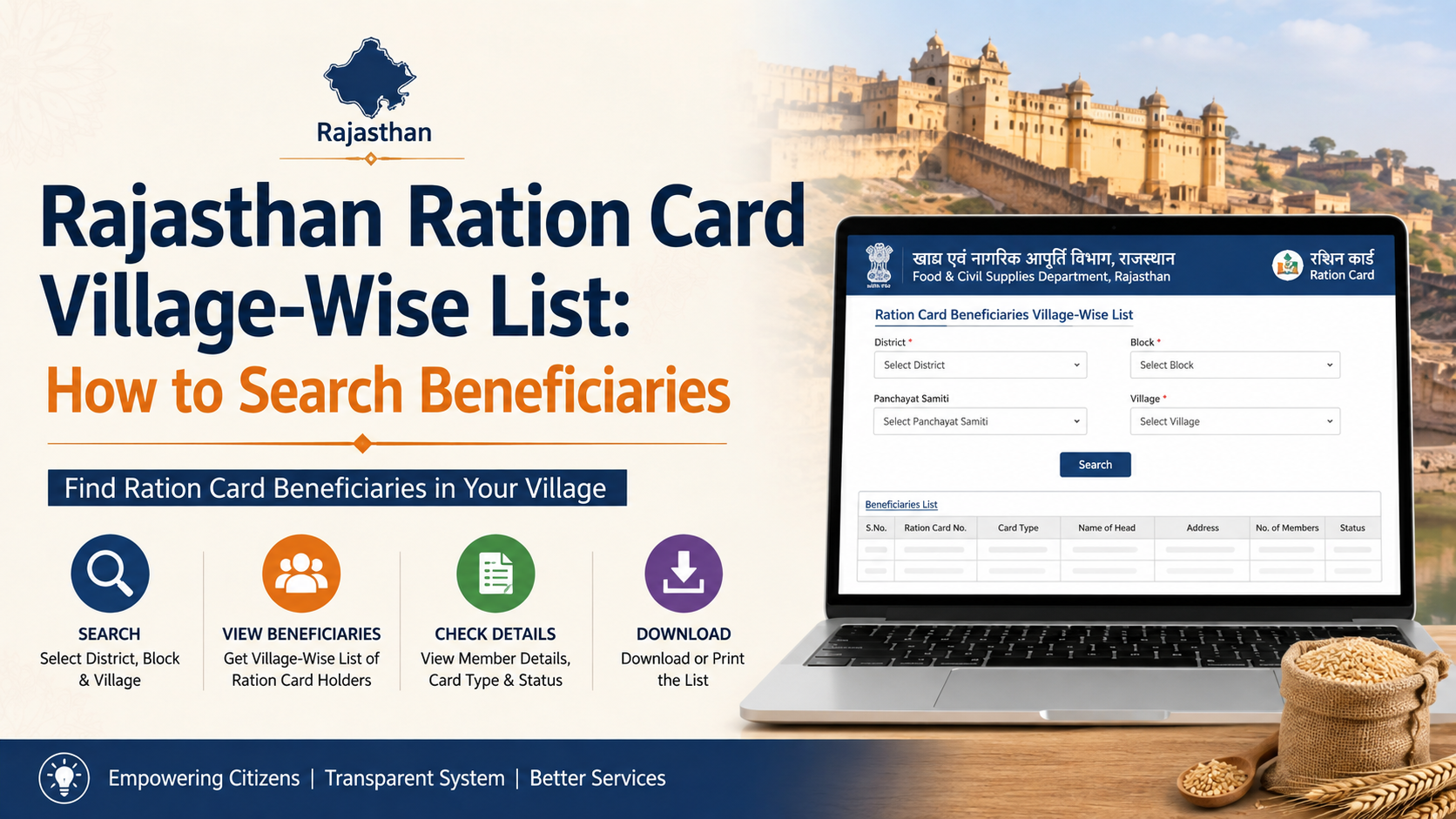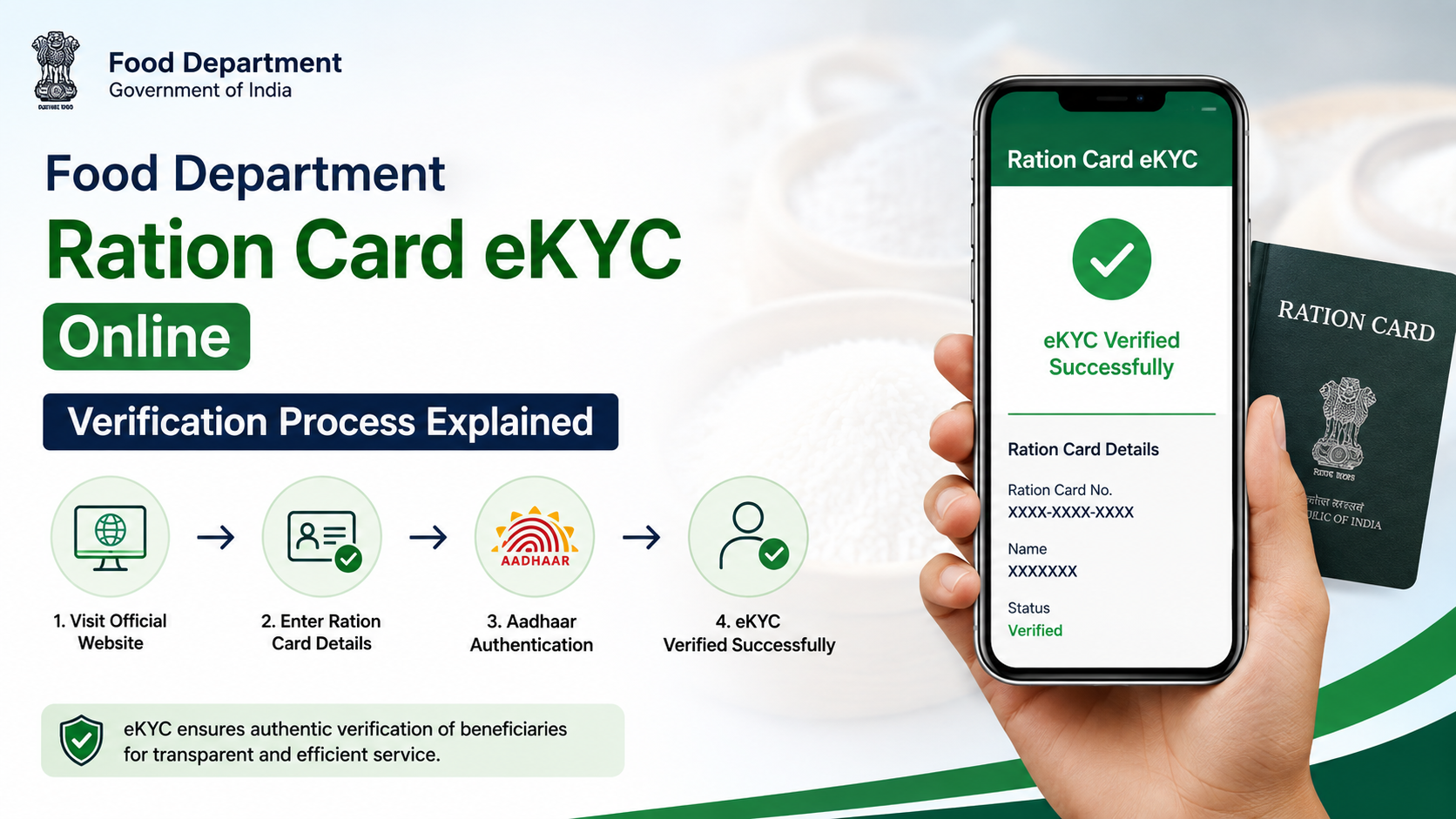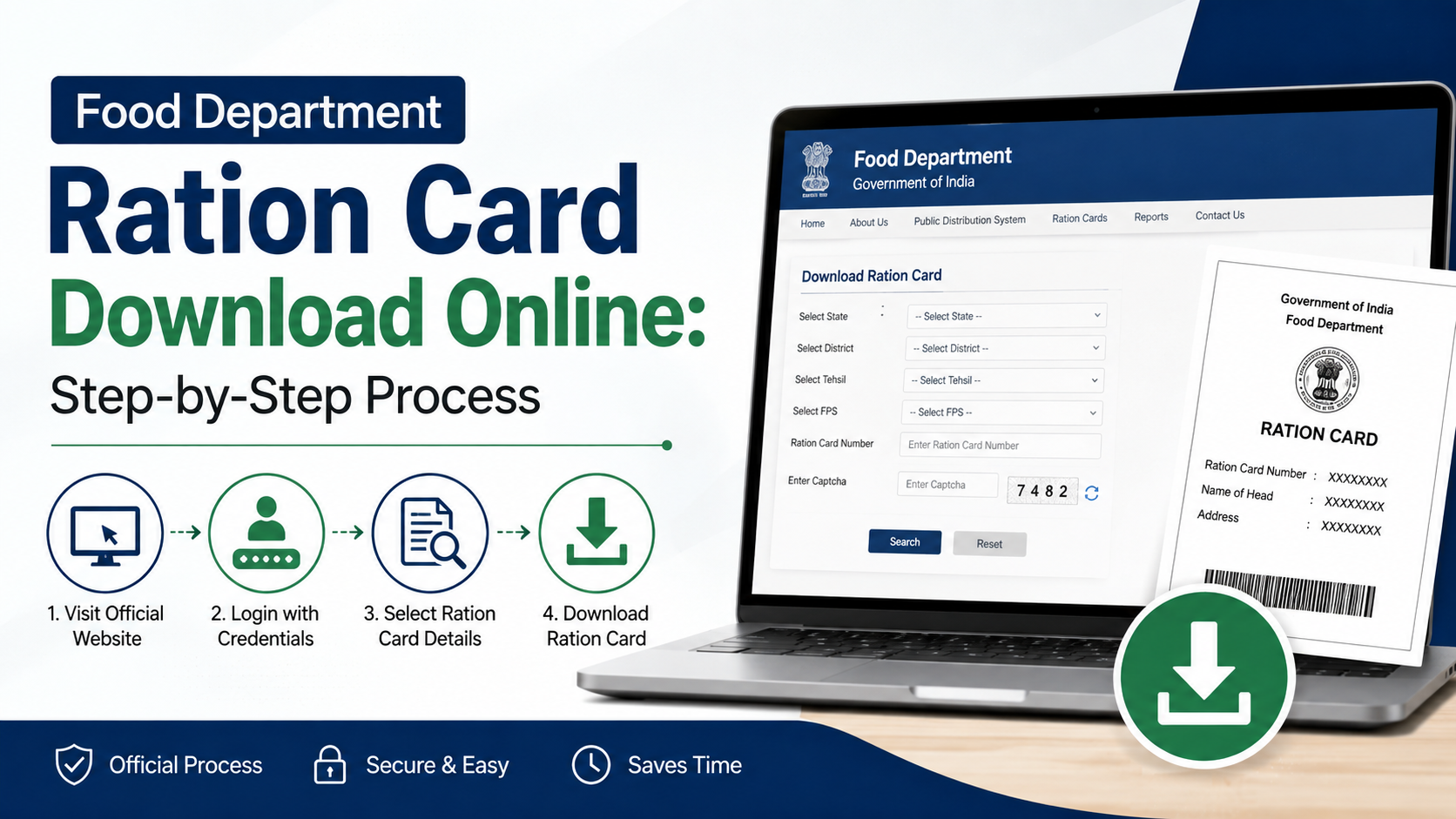
Adding a newborn, spouse, child, or other eligible relative to a Rajasthan ration card is an important household update. The official food department add member facility lets existing ration-card holders submit a request to include a new family member. Rajasthan also uses Jan Aadhaar records in many citizen services, so keeping family information consistent across both systems can prevent avoidable delays.
This guide explains the official process, required preparation, application tracking, Jan Aadhaar updates, and common issues—without relying on unofficial agents or misleading “instant approval” claims.
Key Takeaways
- Rajasthan’s official ration-card portal provides an online application for adding a new member.
- Keep the ration-card number and the new member’s identity and relationship details ready before starting.
- Jan Aadhaar family details may also need updating; citizens can use their SSO ID or a nearby e-Mitra centre.
- Adding a Jan Aadhaar member is subject to verifier approval and is not an automatic update.
- Do not add a person already included in another household’s ration card without completing the appropriate transfer or correction process.
- Save the acknowledgement or application details and use the official status facility to follow up.
What Does “Food Department Add Member” Mean in Rajasthan?
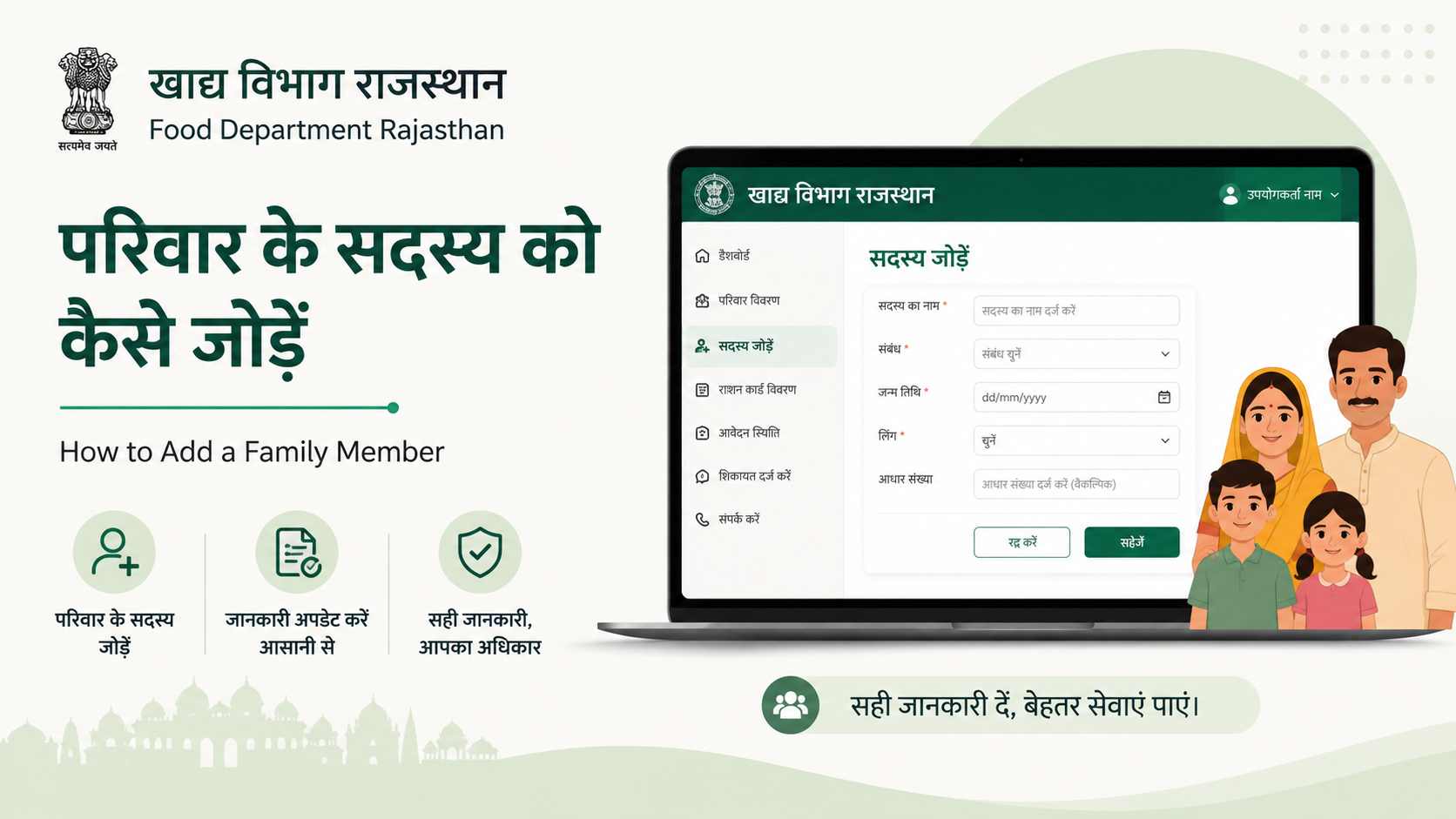
The Food and Civil Supplies Department, Government of Rajasthan, provides an official online service titled “राशन कार्ड में नए सदस्य का नाम जोड़ने के लिए आवेदन पत्र”—an application to add a new member to a ration card.
The service is intended for households that already have a ration card and need to record a valid change in family composition. Common situations include:
- Birth of a child
- Marriage and addition of a spouse
- A dependent family member joining the household
- Correction of an omission where the person is genuinely part of the household
The application itself is available through the Rajasthan ration-card portal: Add a new member to a ration card.
Adding a name to a ration card is not the same as automatically receiving National Food Security Act (NFSA) benefits. Eligibility for food-security benefits is governed by the applicable Rajasthan rules and household eligibility conditions. Submit only accurate household information and use the Food Department’s official channels for eligibility-related questions.
Before You Start: Check Whether a Name Addition Is Appropriate
Before using the food department add member service, make sure the request matches the person’s real household status.
A ration card should not contain ineligible or duplicate units. Rajasthan’s foodgrain distribution rules prohibit dishonest applications where a person knows their name is already included in another household’s ration card, as well as applications based on false information.
When You May Need a Different Service
A straightforward “add member” request may not be the right option in every case.
| Situation | More suitable action |
|---|---|
| Newborn child | Add the child, using the relevant birth and identity information |
| Spouse joins after marriage | Add the spouse after ensuring duplicate household records are addressed |
| Person is already on another Jan Aadhaar family | Use the appropriate transfer, merge, split, or correction process where needed |
| Existing family member’s details are incorrect | Use the relevant edit/update facility rather than creating a duplicate |
| Family head changes | Use the “change head of family” process |
| Household composition has separated | Consider Jan Aadhaar split or transfer options |
The Jan Aadhaar edit/update page lists member addition, head-of-family change, family split, merge, member transfer, and deletion as separate services. Choosing the correct service is essential because a duplicate entry can create verification problems.
Documents and Details to Keep Ready
The exact information requested can vary depending on the member’s age and the details being updated. Prepare readable, consistent records before beginning the food department add member application.
For Jan Aadhaar member addition, the official Jan Aadhaar e-Mitra user manual lists the following prerequisites:
- Aadhaar copy for members above five years of age
- Aadhaar or birth certificate for members below five years of age
- Head of family’s bank-passbook details
- Age or date-of-birth document
- Address document
- Self-declaration for income
- Colour photograph of the member
- Land details, where applicable for a small or marginal farmer
- Supporting documents for information entered, if required
The manual specifies PDF uploads below 1 MB for documents and JPG/JPEG/PNG photographs below 50 KB. It also states that information must be entered in both English and Hindi for that Jan Aadhaar workflow.
Keep Your Details Consistent
A mismatch in name spelling, date of birth, or gender can slow down identity verification. Compare the following before applying:
- Aadhaar details
- Birth certificate details for children
- Jan Aadhaar family record
- Existing ration-card record
For a child below five years, the Jan Aadhaar workflow uses the birth-certificate number and authenticates through the Aadhaar number of the mother or father registered with that birth certificate. For Aadhaar-based enrolment, the official manual says that the member’s name, date of birth, gender, and photograph are fetched from Aadhaar after e-KYC.
How to Use the Rajasthan Food Department Add Member Portal
The direct ration-card application is designed for existing Rajasthan ration-card holders.
Step 1: Open the Official Application
Visit the official Rajasthan ration-card member-addition page:
https://rrcc.rajasthan.gov.in/NameAddRC.aspx
Avoid links promoted through unverified videos, social-media posts, or private websites. The official portal is the appropriate place to begin.
Step 2: Select Your District and Enter the Ration-Card Number
The application page asks for the district and ration-card number. Enter the number carefully exactly as printed in the official record.
If the portal does not find the card, do not repeatedly enter guesses. Recheck:
- The selected district
- Every digit in the ration-card number
- Whether the card is active and belongs to the selected district
- Whether the browser is blocking the page or session
Step 3: Enter the New Member’s Information
Complete the requested member details truthfully. Depending on the form fields, this may include the member’s name, relationship to the family head, date of birth, gender, identity information, and supporting particulars.
Use the spelling and date format that match the supporting documents. Do not alter information merely to make a form appear to accept it.
Step 4: Review and Submit the Application
Before submission, review every field. In particular, confirm that:
- The correct ration-card number is shown
- The member is part of the household
- The relationship entry is accurate
- The documents support the details entered
- The person is not improperly recorded on another household’s ration card
Save the acknowledgement, reference number, or printout produced after submission. It is your primary proof that the request was lodged.
Step 5: Track the Request
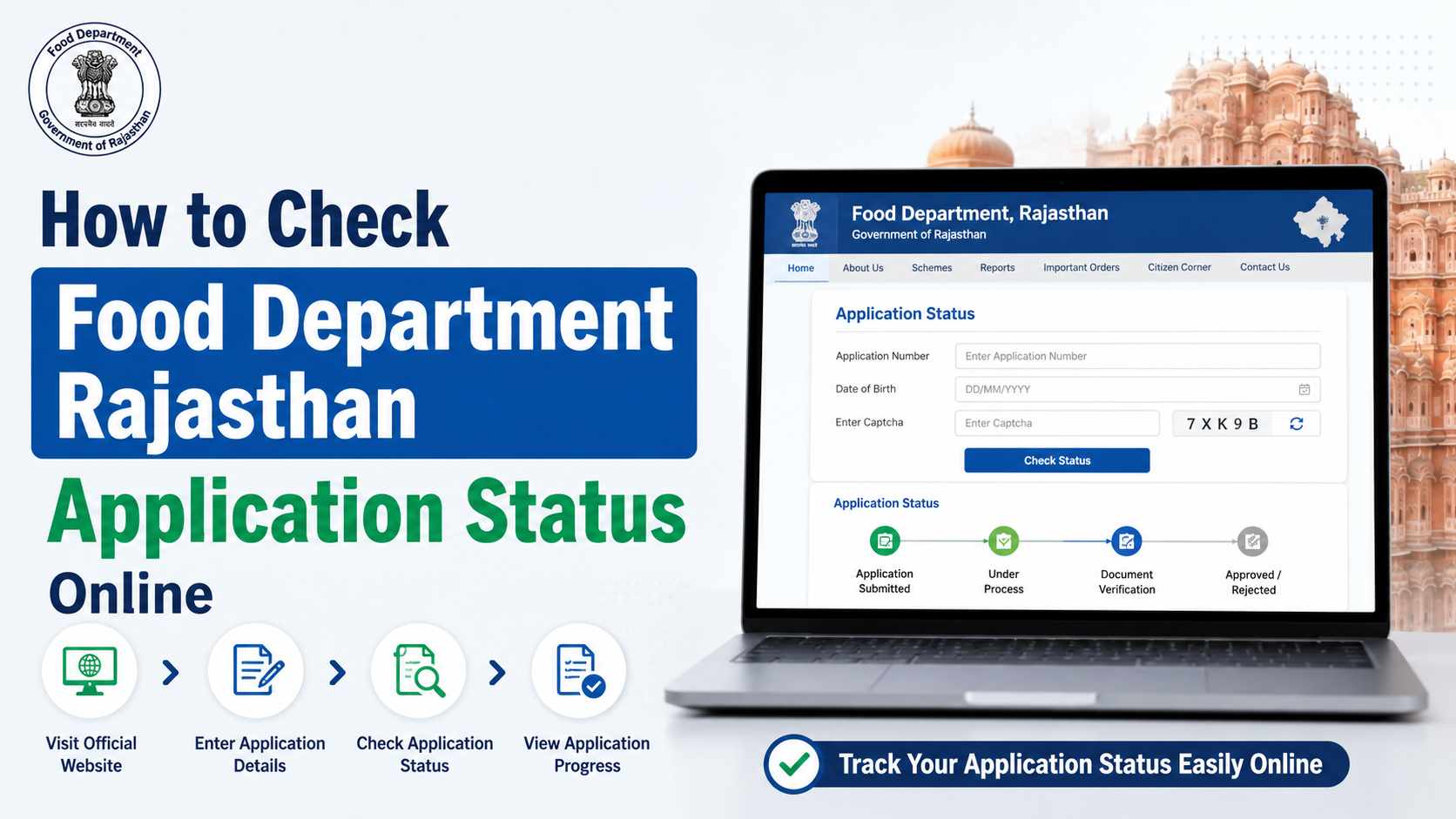
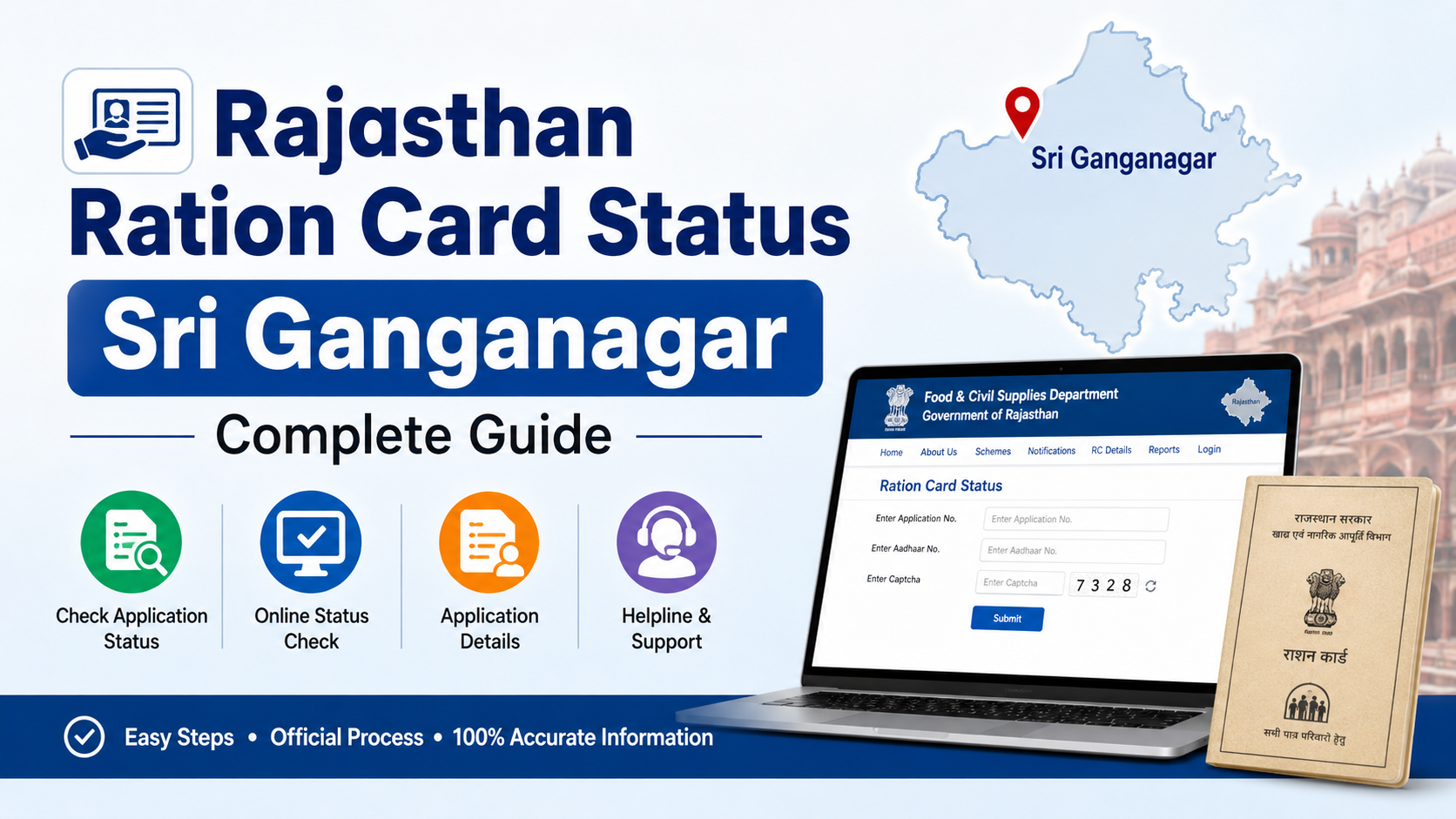
Rajasthan’s ration-card portal provides a service for checking new-name addition application status. Access it through the Rajasthan ration-card services portal and select the status option for new-name applications.
A submitted request may require departmental processing. Do not assume that submission means the name has already been approved or that the ration-card record has changed immediately.
Updating Jan Aadhaar Family Details
Jan Aadhaar and ration-card information are related but are not the same record. Rajasthan’s Jan Aadhaar FAQ states that NFSA and ration-card status are received from ration services; if a person’s NFSA or ration-card number is not linked, the person may contact the Food and Supplies Department to have the ration-card number entered.
For Jan Aadhaar updates, the official portal states that citizens can use:
- Their own SSO ID, or
- A nearby e-Mitra centre
The official e-Mitra workflow is:
- Sign in through SSO.
- Open the e-Mitra application.
- Go to Services → Avail Services → Utility.
- Search for Jan Aadhaar Enrollment.
- Open Add Member under the Enrollment menu.
- Enter the Jan Aadhaar ID or enrolment ID.
- Complete Aadhaar authentication through an eligible adult member.
- Add the member’s family relationship and personal details.
- Review the information, e-sign the application, and download the receipt.
According to the official manual, only members above 18 years are eligible for the authentication step in this workflow. After e-signing, the application is submitted for first- and second-verifier review.
This matters: the Jan Aadhaar Authority specifically lists Add Member among updates that must be verified by verifiers and are not automatically verified.
Important Warnings and Common Mistakes
Do Not Pay Unofficial “Approval Fees”
Use authorised e-Mitra services where assistance is needed, but do not pay a third party who promises guaranteed, immediate, or backdated approval. Keep every receipt for any authorised transaction.
Do Not Create Duplicate Family Entries
If a person already appears in another household record, find out whether a transfer, split, merge, or deletion is required. Adding the person again can lead to inconsistent records and possible rejection.
Do Not Assume NFSA Entitlement Will Change Automatically
A member’s addition to a ration-card or Jan Aadhaar record does not by itself confirm a change in NFSA entitlement. Food-security inclusion remains subject to the applicable eligibility process and departmental decision.
Do Not Share OTPs Carelessly
Aadhaar and SSO authentication use sensitive information. Enter OTPs only on official government portals or at an authorised service counter while you are present. Do not send OTPs to agents through calls, messages, or social media.
What to Do If the Application Is Delayed or Rejected
Start with the official application-status service and note the reference number, date of submission, and any reason displayed on the portal.
If the problem concerns Jan Aadhaar verification, use the Jan Aadhaar Authority’s published support options. Its website lists the toll-free number 181, telephone 0141-2850287, and the support email address janaadhaarsupport@rajasthan.gov.in. The portal also links district and block helpdesk details.
For ration-card-specific problems, use the contact details published on the Rajasthan Food Department website. The site lists the department’s Jaipur secretariat contact information and provides ration-card service links.
When visiting an e-Mitra centre or department office, carry:
- Your acknowledgement or application reference
- Existing ration-card details
- Jan Aadhaar details, if relevant
- Original supporting documents and copies
- A clear explanation of the mismatch or error
Frequently Asked Questions
Can I add a newborn to my Rajasthan ration card?
Yes, a newborn can be added through the appropriate member-addition process. Keep the birth certificate ready. For Jan Aadhaar enrolment of a child below five years, the official manual requires enrolment through the birth-certificate number and parent Aadhaar authentication linked to that certificate.
Can I add a spouse who is already listed on another ration card?
Do not submit a duplicate addition without first addressing the existing household record. Depending on the circumstances, a transfer, deletion, or related Jan Aadhaar update may be required. Submit only information that reflects the person’s actual household status.
Is Jan Aadhaar update automatic after a food department add member request?
Do not assume it is automatic. Jan Aadhaar and ration-card/NFSA records are separate services with linked information flows. Check both records where relevant and use the appropriate official update route.
Can I add a Jan Aadhaar member online myself?
The Jan Aadhaar Authority says citizens can make updates through their own SSO ID or through a nearby e-Mitra centre. The addition remains subject to the required verification process.
How can I check whether my new-member request has been approved?
Use the Rajasthan ration-card portal’s application-status option for new-name additions. Keep your application acknowledgement or reference details so that you can identify the request correctly.
Conclusion
The official food department add member service is the right starting point for updating an existing Rajasthan ration card with a genuine new household member. Prepare consistent identity and relationship documents, submit the request only through the official ration-card portal, and retain the acknowledgement for tracking.
Where Jan Aadhaar details also need to change, use the SSO or authorised e-Mitra route and allow for verifier approval. Before applying, confirm that the person is not being duplicated in another household record—then check the official status portal until the update is completed.